UE5 - WPO World Position Offset
Just some of the things WPO can do to materials. Important to note that mesh & collision doesn't change when using WPO.
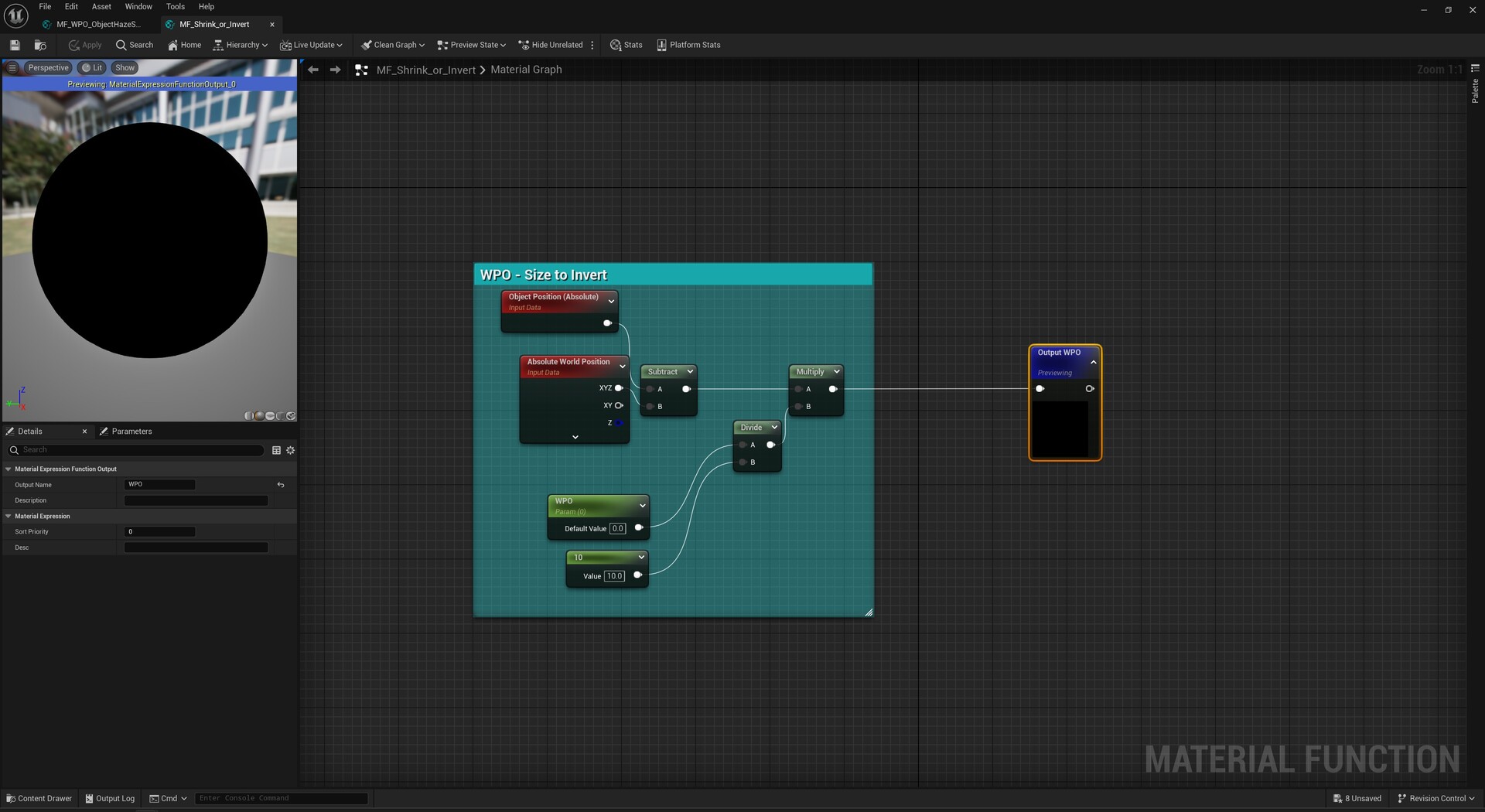
Increase/Decrease & Invert UV's.
While handy to know you probably want to do this these via the mesh tools to keep collision correct. You can also invert the mesh UV's using the same tools.
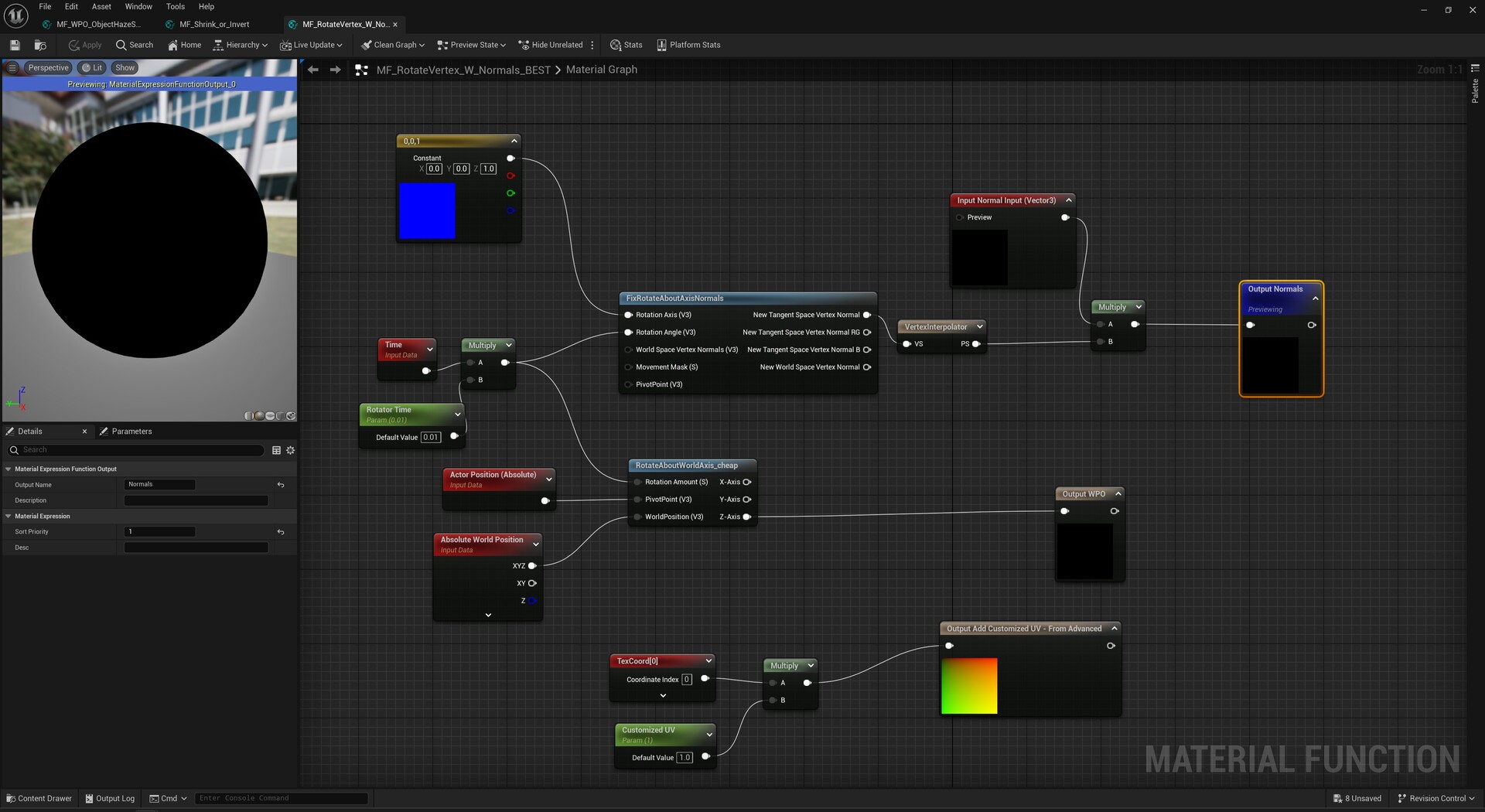
Rotate UV's via WPO.
Saves having to do a Blueprint for the mesh.
This is actually the method I used to stop AA from blurring the pixels on rotation while keeping all the detail high.
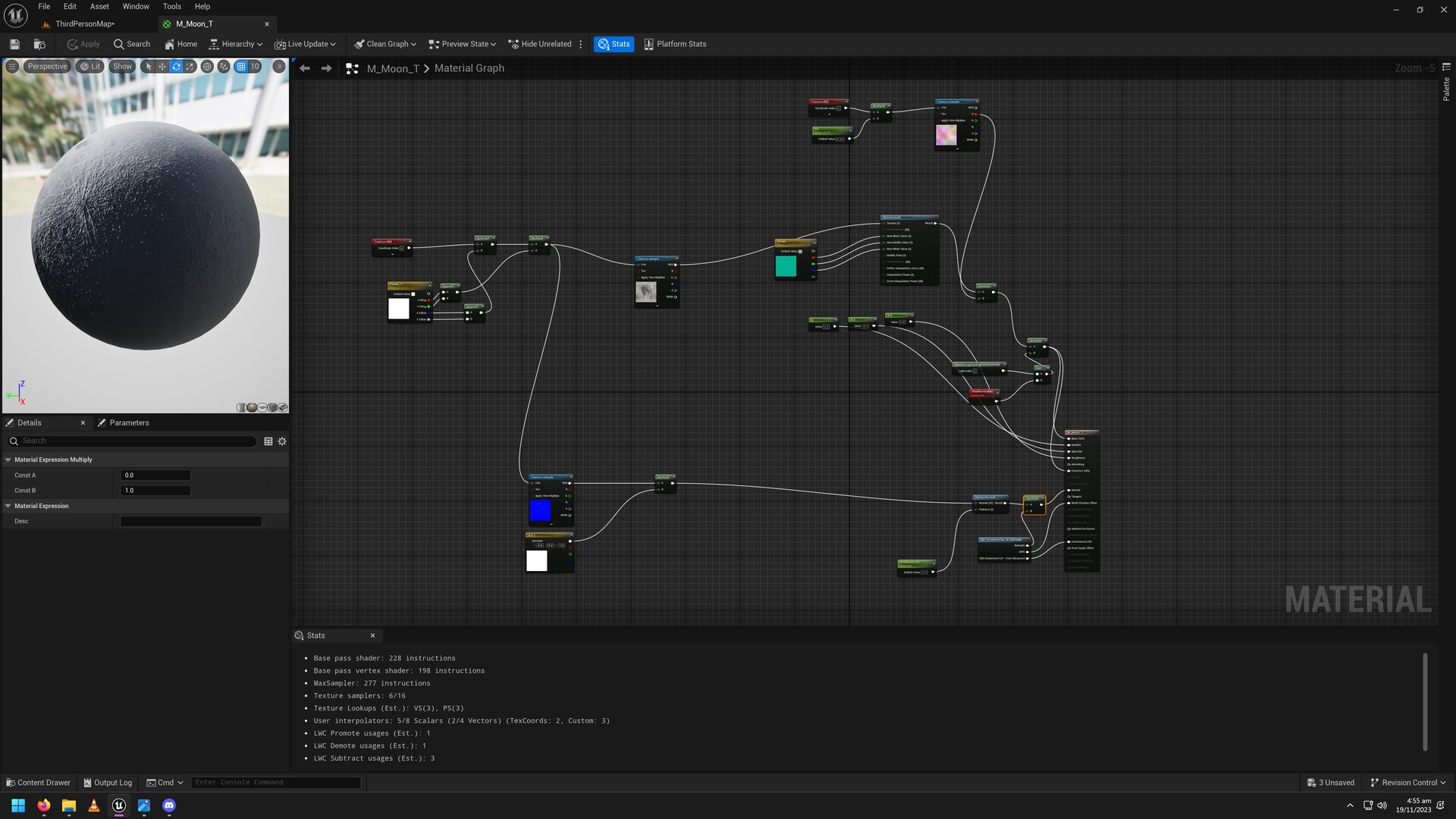
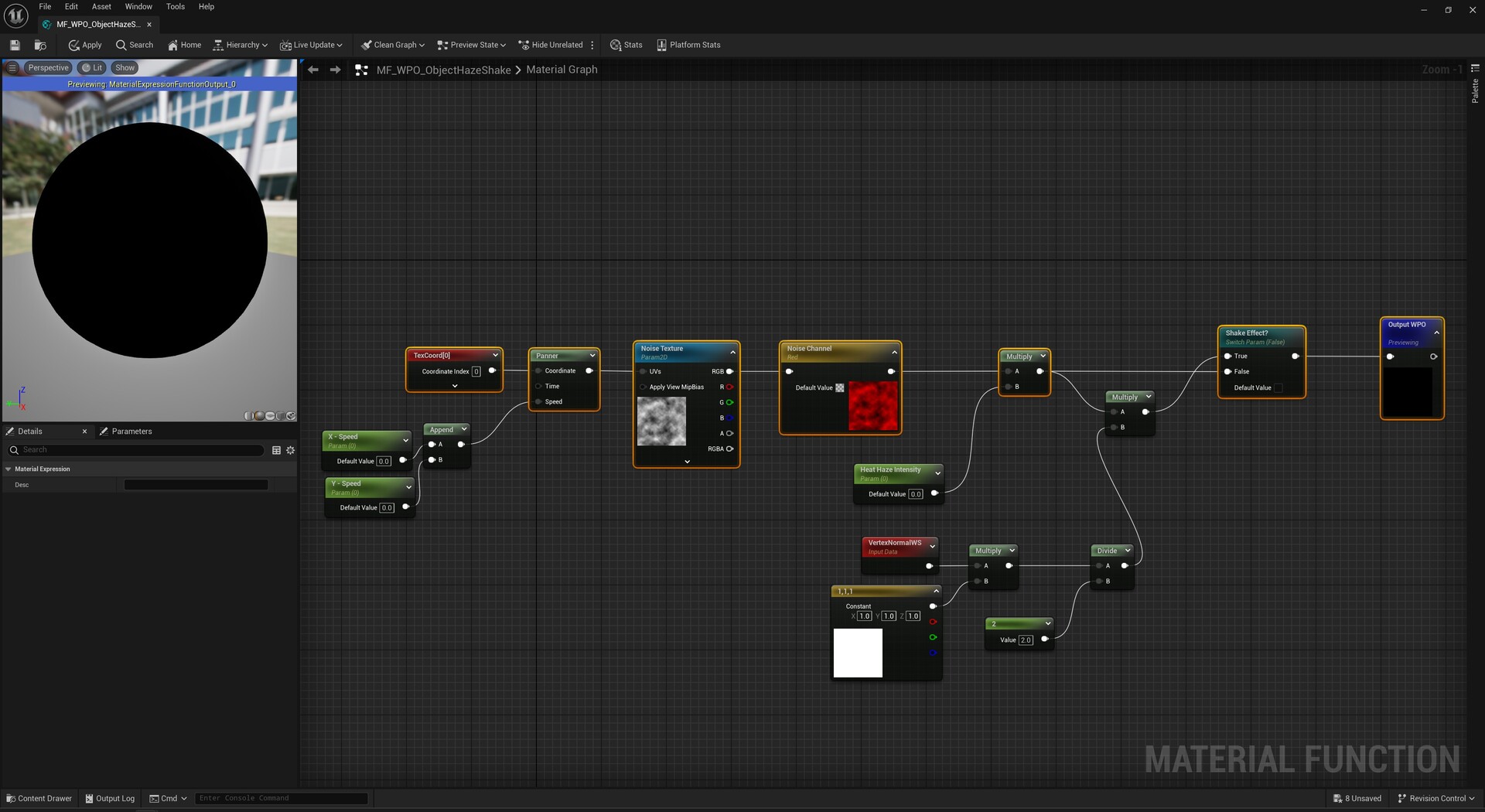
Heat Haze (Or lazy idle animation).
Post Process is easier for a large scale but if its just a house or something in a desert scene this saves some time.
(Simple adjustment to Idle Animation). Better ways to WPO, this is just a quick demo. Honestly should separate out & mask parts. But this is just a demo to show how you can save time from sequencer or timelines for idle animations.