Damien Ramirez (CG)
3D Generalist - Advisor
Tutorial - Interactive Niagara BP (Level) UE5
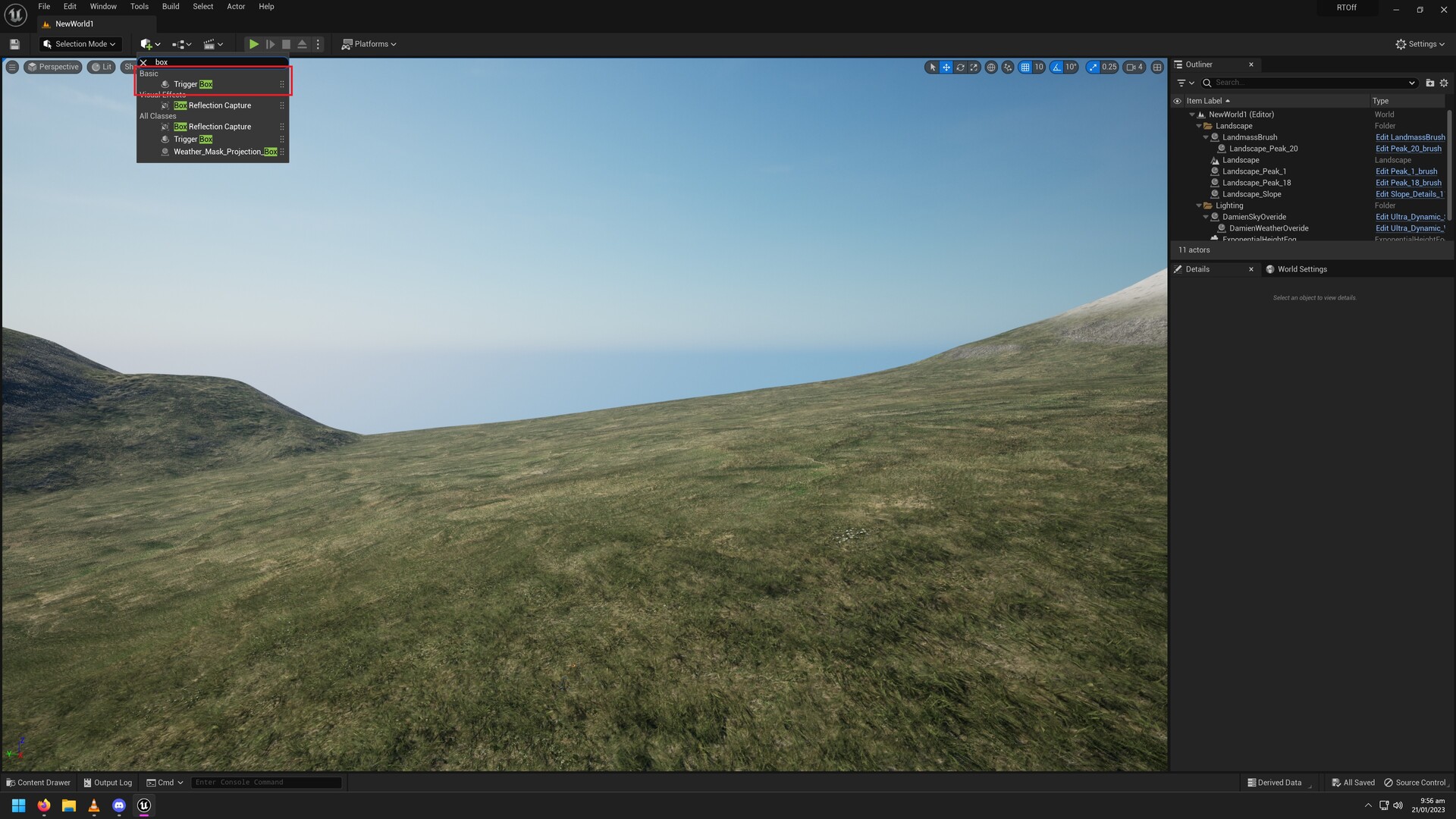
Step 1: Place Trigger Location.

Step 2: Make a BP - Actor. this is where the Niagara will spawn from. Empty so maybe place a billboard in it.

Step 3: Open your Level BP.

STEP 4: Level Blue print
- Make sure the Trigger Volume is selected in the map so you can get the "on actor begin overlap" reference.
- Don't forget to set & edit the Variables.

STEP 5: place BP_Trigger into scene
Example

Reference

How to make it simple & do it in a single BP instead. https://www.artstation.com/artwork/bllwwE